1 year | Higher Certificate | NQF Level 5
Product Design (UX/UI)
Design digital products people actually want to use. In one intensive year you take a product from user research to a tested prototype and a live client launch, with AI built into every module as a tool you question, design for and build with.
What you'll learn?
Product Design (UX/UI)
Duration
1 year
Next course
11 February 2027 – 01 December 2027
Price, starting at
From Research to a Shipped Product
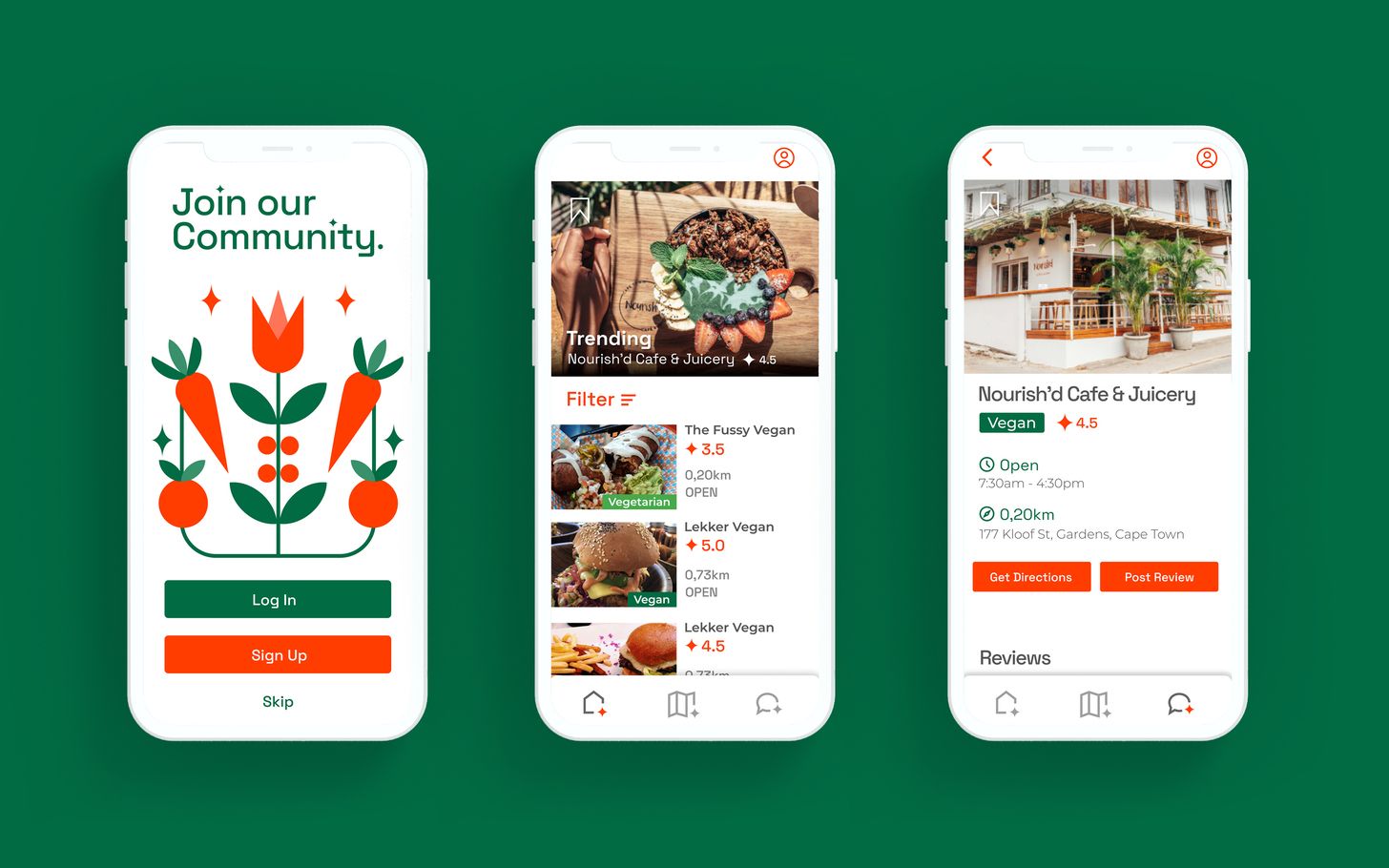
Product designers decide what gets built, why it matters and how it feels to use. Every app you book, shop or bank with was shaped by one. In this course you design one product from the first user interview to a tokenised design system and a tested prototype, then launch a live website for a real client in weekly sprints. You learn to use AI the way product teams do today: to research faster, to design AI features people can trust and to build with it, while your own judgement stays in charge. Classes run 20 hours a week, on campus or live online, and you finish the year with three case studies and a portfolio ready for the job market.
Note: Upon completion of this course you will be awarded the Higher Certificate in Web Publishing and Interactive Media, NQF-level 5 (SAQA ID 88182, HEQSF-aligned, H/PR432/E003CAN, 152 Credits).
Important Questions
Curriculum Overview
Modules Offered
Module 1
User Experience Design: Product Discovery and Research
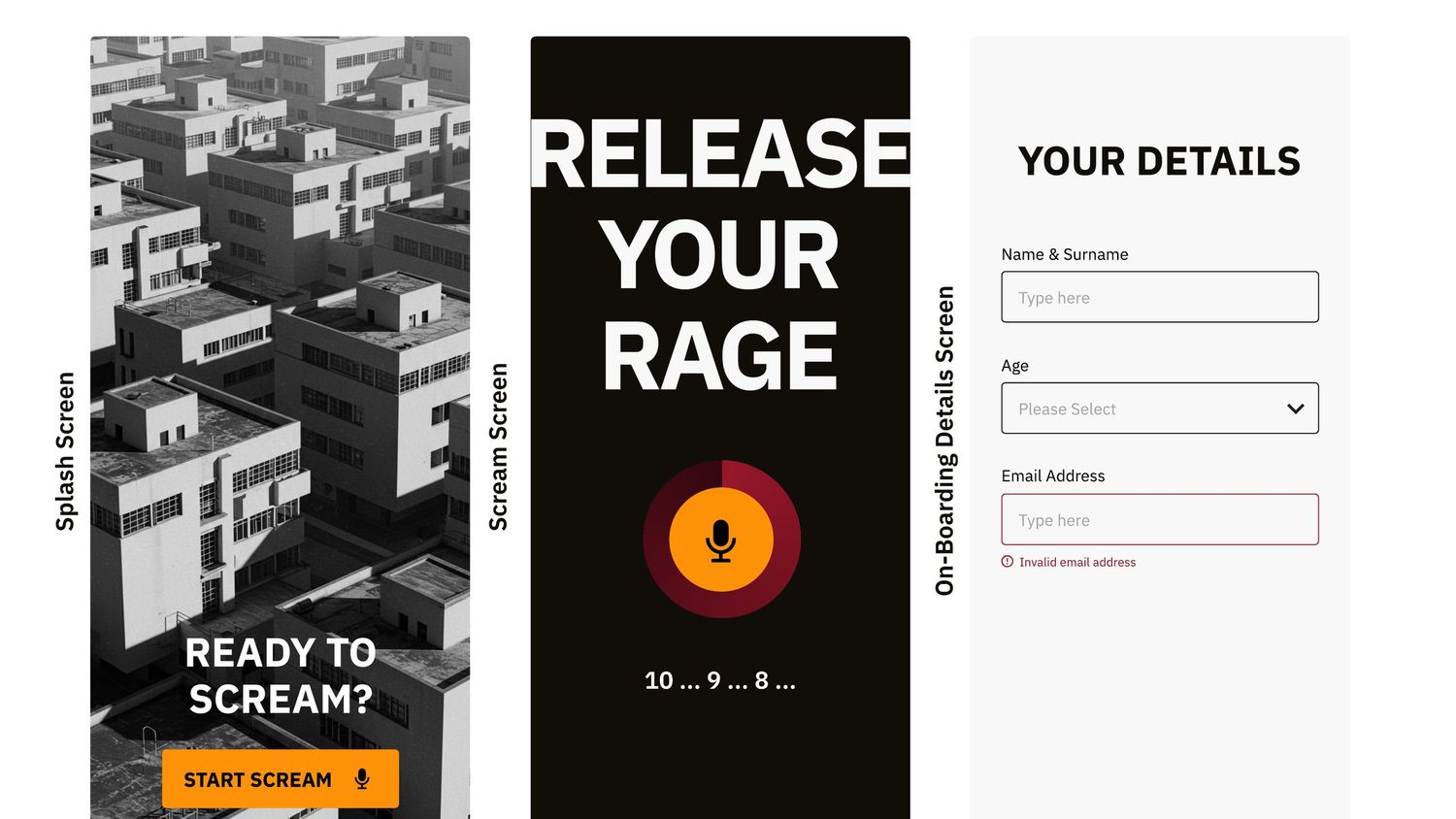
Students frame a product problem, research real users and plan a product with one AI-powered feature. They learn how product design, UX and UI fit together, how designers work with product managers and engineers, and how South African and African design traditions shape what people expect. Students run ethical, POPIA-compliant research, then turn their findings into affinity maps, personas, jobs to be done, journey maps and success metrics. They map information architecture, user flows and low-fidelity wireframes, and learn how HTML, CSS and a CMS work. AI is used as a research assistant, and students learn to check its summaries against the raw data and to spot bias. The module ends with a Product Discovery Brief.
Module 2
User Interface Design: Visual Design and Design Systems
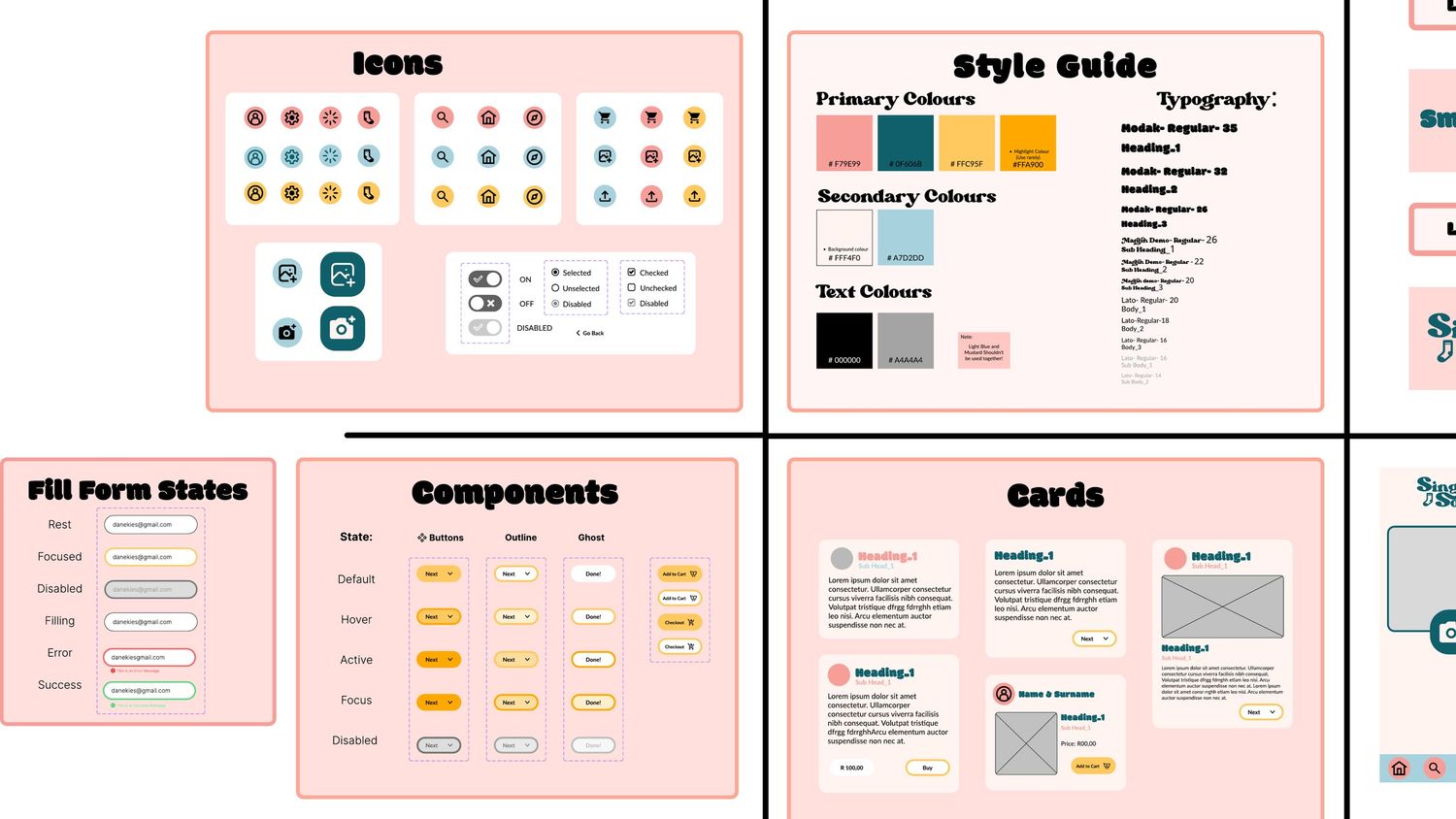
Students turn their wireframes into a high-fidelity product built on a documented design system. The module starts with the craft: typography, hierarchy, colour, grids, responsive layout, iconography and brand, with a short assessed exercise in Photoshop and Illustrator. These first weeks are mostly done without AI, so that students can judge AI output before they rely on it. Students then build components, variants and auto layout in Figma, with primitive and semantic design tokens, naming and documentation. They design to WCAG 2.2 AA, mobile first, with light and dark modes and a low-impact approach. They also design the product's AI feature, including suggestions, confidence, sources, undo and human review. The module ends with a tokenised design system and a high-fidelity product UI.
Module 3
Prototyping: Interaction Design and Product Validation
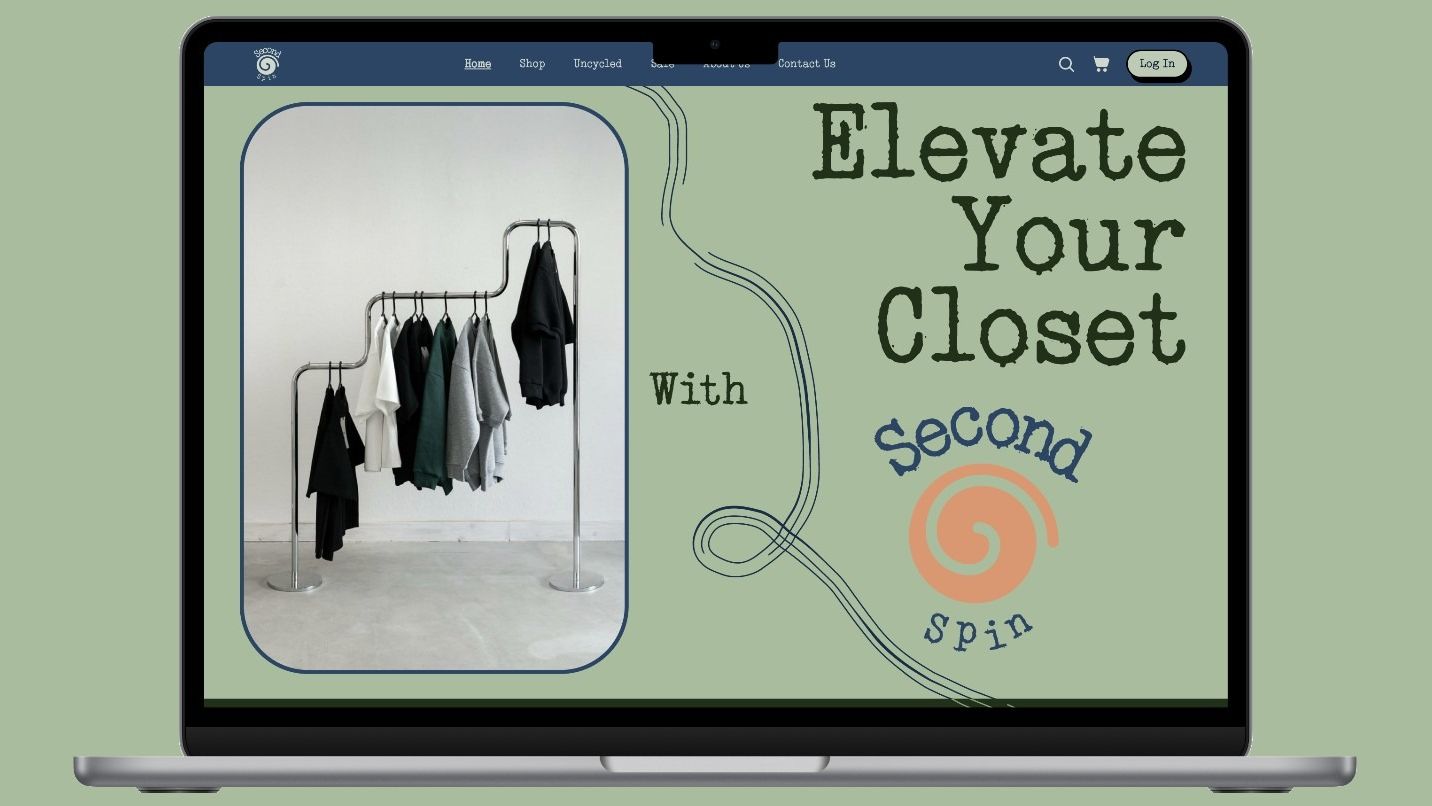
Students answer a gamified brief from an industry client. Using Figma variables, conditional logic and state management, they prototype flows, transitions and microinteractions, including the AI states most products get wrong: loading, low confidence, wrong answers and fallbacks. Teams develop a game concept and estimate the time it will take to build. Students then test their prototype with real users, including users of assistive technology, and learn severity ratings and the basics of A/B testing, so that every change is based on evidence. Finally, they generate code from their designs with AI, then review and fix the HTML and CSS themselves. The module ends with a tested prototype, a usability report, a reviewed code handoff and a stakeholder presentation.
Module 4
Professional Practice: Product Delivery and Live Client
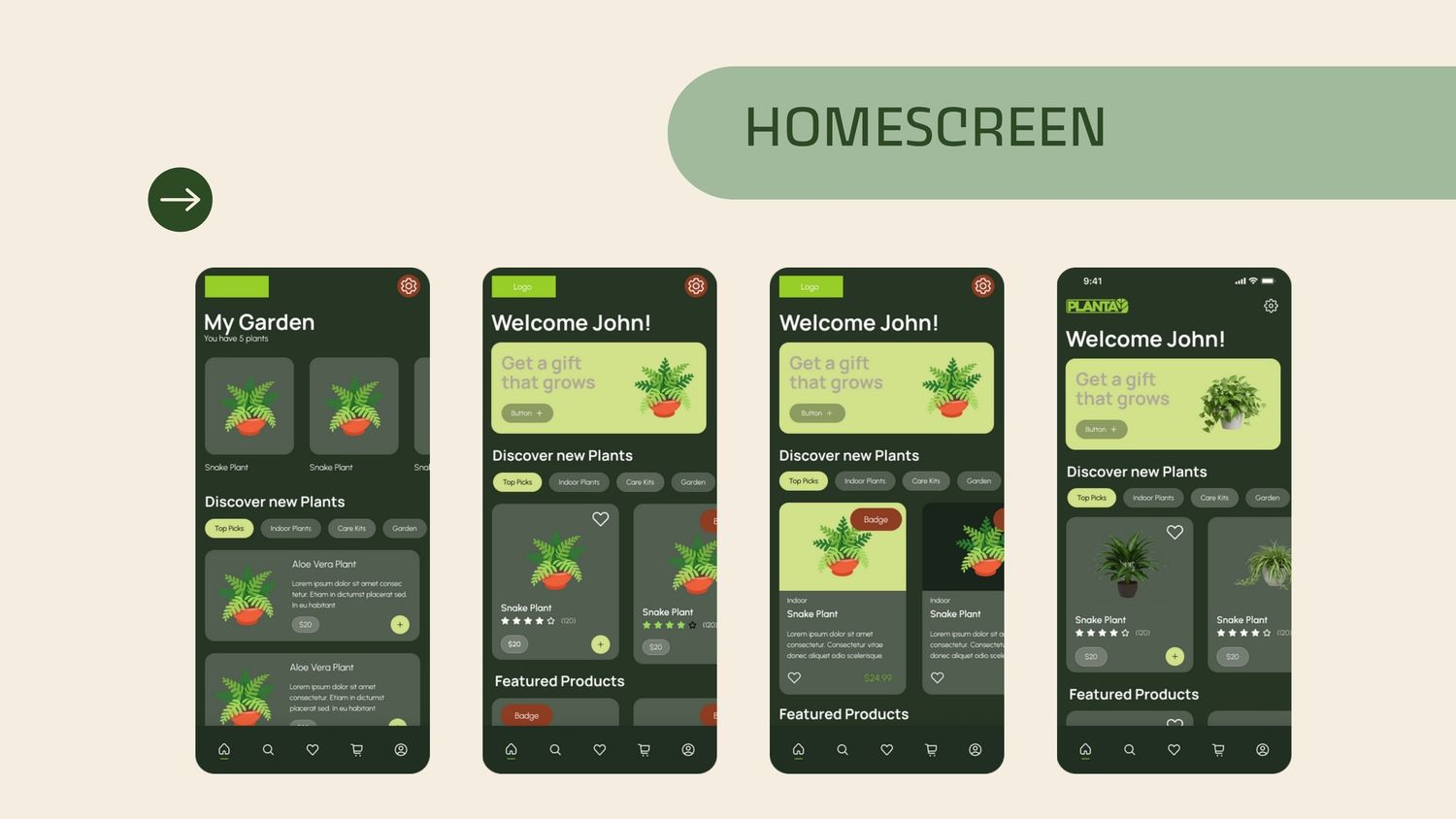
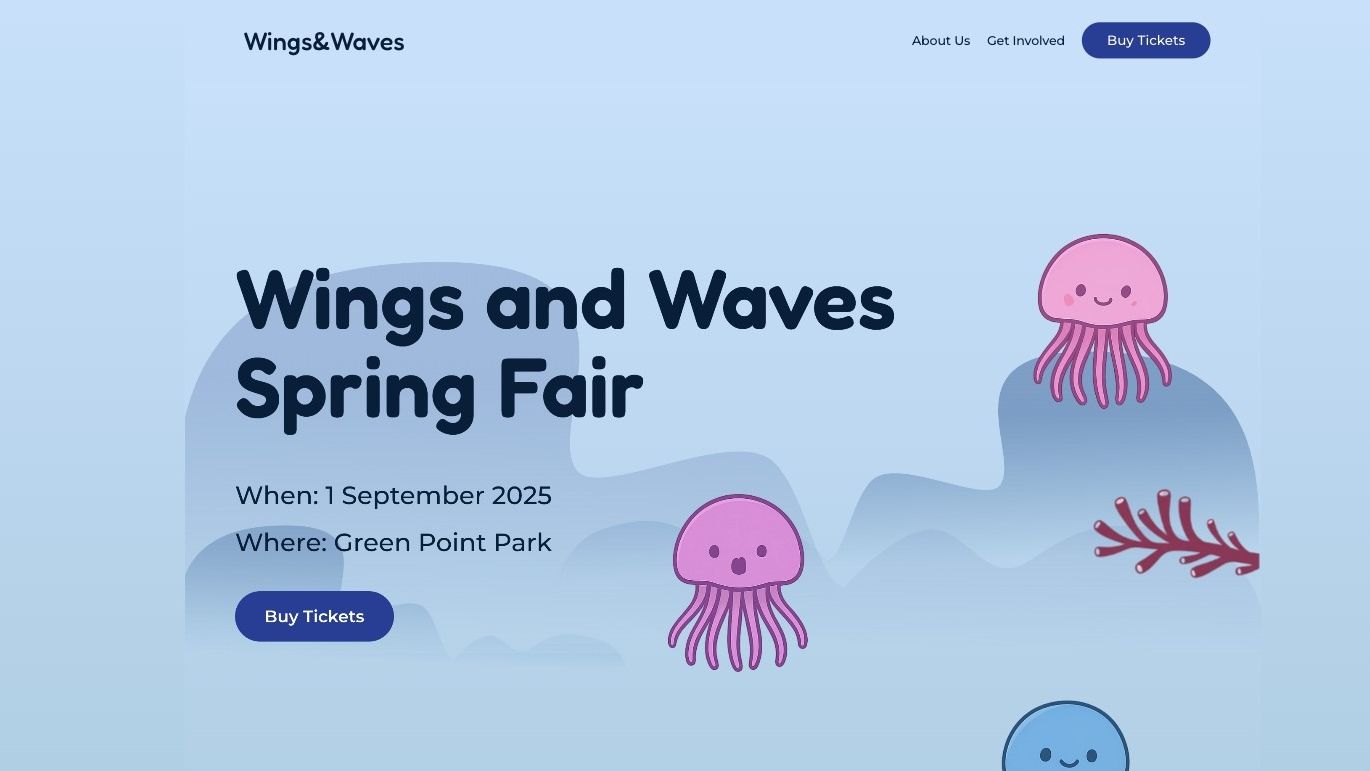
Teams deliver and launch a live website for a real client in weekly sprints. Students learn Agile and Scrum, estimation and scope control, roadmaps, KPIs and the data literacy product teams rely on, as well as ethics, intellectual property, POPIA and the difference between freelance and in-house work. They build the client site in WordPress with custom CSS, run formal design reviews and design for launch and growth: an SEO-ready landing page, analytics and conversion tracking, an A/B test plan and a launch kit of social and print assets. Each team agrees an AI-use statement with its client and learns when not to use AI. The module ends with a live site, sprint documentation and a client presentation, exactly the experience employers look for.
Module 5
Portfolio: Case Studies and Career Launch
The final module is about launching a career. Students choose their strongest projects and write case studies around the problem, the process and the outcome, showing clearly what AI did and what the designer decided. They create a personal brand launch kit in Figma, build a portfolio site in WordPress or Webflow, and polish their CV and LinkedIn profile. Mock interviews prepare them to talk about their work and their use of AI with confidence. The year ends at the Graduate Showcase, where students present a live portfolio, three case studies and a print-ready PDF portfolio.
What Next?
01 Sign up for Open Day
Visit our campus and meet us in person. During our Open Days visitors can view our classrooms, chat to lecturers and students and get a sense of why our students love studying with us.
02 Apply online
Our application process is fully online. Follow the start my application link to begin your registration process. Create a profile and complete your application at your own pace.
03 Submit with your *portfolio
Once you have created a profile, you will be able to upload all your application requirements and portfolio of work *(Note that some courses require this whereas others have it listed as optional). Visit your profile dashboard to review missing elements.
04 We can’t wait to meet you
We may request an interview to get to know you better and shortly after we’ll advise if you’ll be receiving that oh-so important acceptance letter. Get ready to kickstart your creative career and join your tribe at the Academy of Digital Arts!
Get the 2027 Product Design (UX/UI) prospectus
Curriculum, entry requirements and 2027 fees in one PDF. Tell us where to send it.
Admission Requirements
Matric Completion
The minimum admission requirements are a valid matric (Grade 12) certificate or NQF4 equivalent.
Personal Portfolio
Answer all three questions, then complete both design tasks:
- Choose a website you visit often and explain, in no more than 500 words, why you think it is good or bad. Consider the layout, the fonts and colours, and how easy it is to navigate and find information.
- Name an artist or designer who has influenced you or changed the way you live, and say why.
- Tell us what you understand product design and UX/UI design to be.
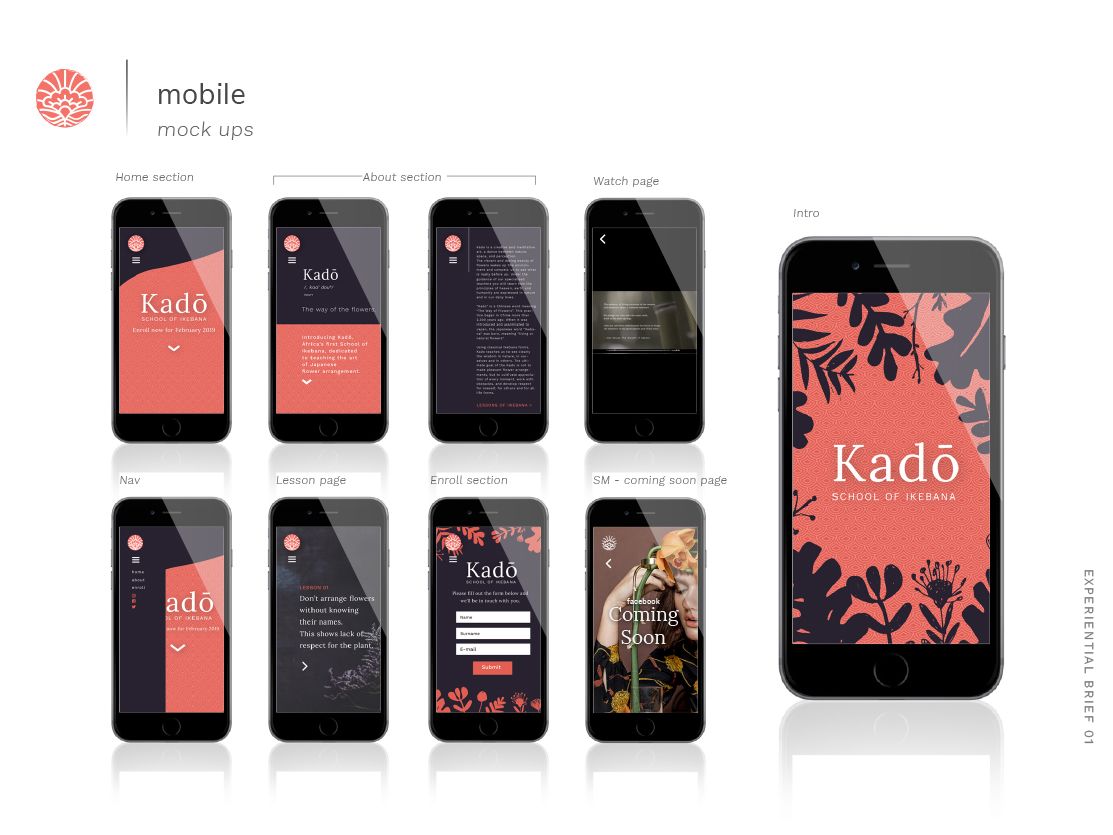
- Using the templates provided, draw four cellphone screens for an app that books a tour of Cape Town. Consider the logo placement, the opening screen, icons, information, forms and buttons, and how the app moves from one screen to the next.
- Attach three to five pieces of your own original work: drawings, paintings, photographs, illustrations, coding or web design.
Motivational Letter
In an essay, tell us about yourself and why you are a good candidate to study product design.
Tell us about your time at school, what you have been doing recently, and the hobbies or interests that led you to study this further. Tell us where you see the future of product design, and which trends or new technologies, including AI, you are excited to see shape digital products. Finally, tell us how you decided that the Academy of Digital Arts is where you want to study.
If you are applying as a virtual mode learner, add a short motivation covering how you communicate by email, telephone and video, and confirming that you have a suitable computer and a reliable internet connection.
Advantages of Studying at ADA
We enjoy national and international industry accreditation, so you can take your credits anywhere with you.
An international network of students and lecturers keeps our finger on the pulse of global trends.
All of our lecturers are industry working professionals, keeping our students at the forefront of techniques and technologies in the digital industry.
Project-based learning: The environment we create on campus gives you the chance to experience what it is like to work in an agency, making you ready for the working environment from day one.
Our campus is in the heart of Cape Town. The creative energy drives our classes, which remain firmly rooted in international best practice, preparing our students for a future-proof career anywhere in the world.
Entry Requirements
All our higher certificate courses are NQF level 5. To receive the qualification you will need a matric certificate or the equivalent thereof (NQF level 4).
Due to the intensive nature of the course, we require a demonstrated interest in the creative and technical fields.
Fees & Funding
Payment Options
Filter by Installments:
Monthly
Monthly
R 7 500 per month
Paid in 11 installments
Admin fee: R 1 000
Deposit: R 4 000
Price shown above excludes the admin fee and deposit listed here.
Frequently Asked Questions
Before You Apply
Start your Product Design career in 2027
Applications for 2027 are open. Apply online at your own pace, or meet our lecturers at Open Day first.