Short course | Beginner friendly | Live online | Lecturer-led | Practical
Adobe InDesign
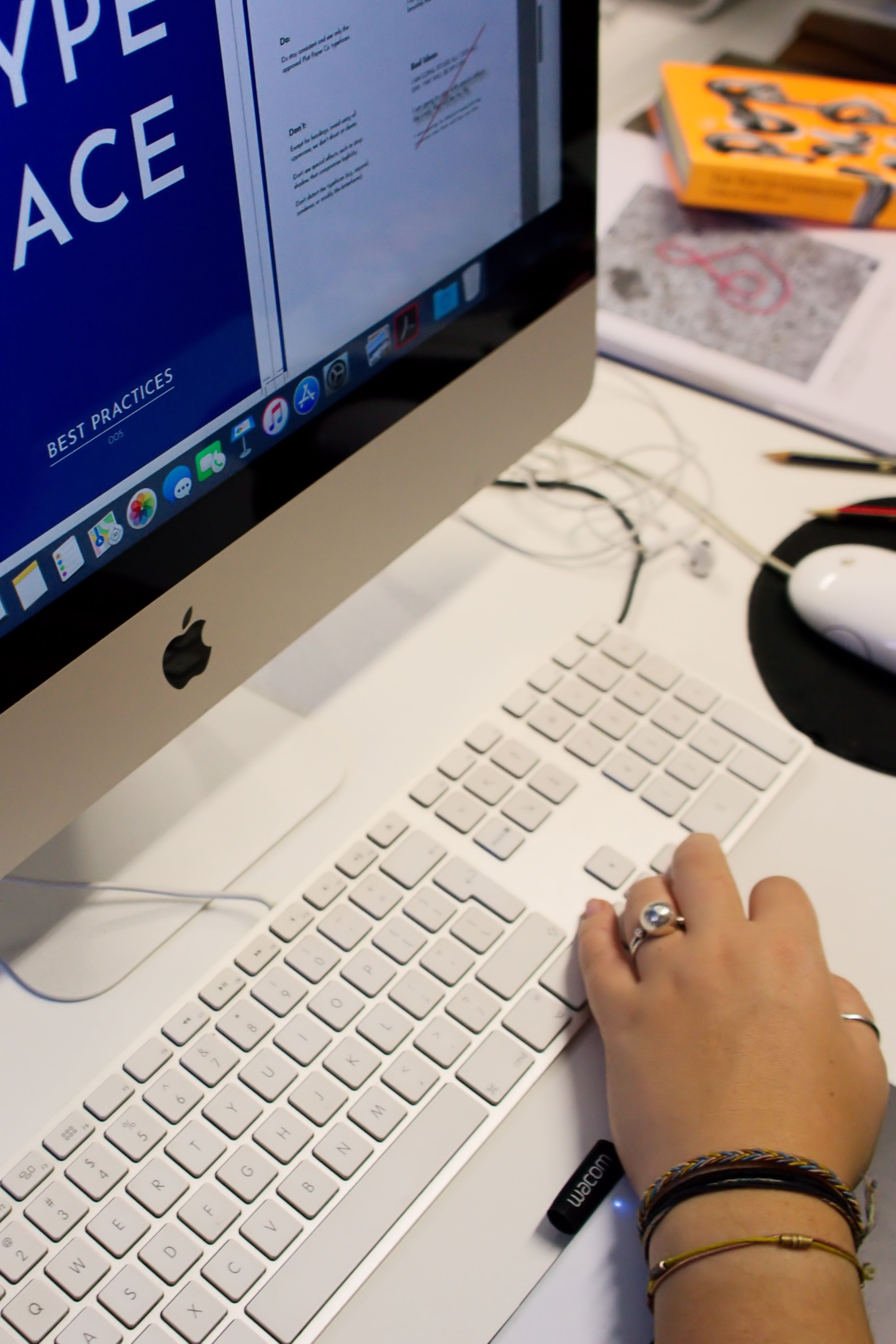
Adobe InDesign is the industry standard for layout, from posters and business cards to books, magazines and interactive documents. This hands-on course teaches you page design, typography and long-document workflows, guided by an industry-experienced lecturer.
What you'll learn?
Adobe InDesign
Duration
4 weeks
Next course
23 November 2026 – 16 December 2026
Price, starting at
Learn to create visually stunning and functional layouts.
Adobe InDesign is best described as an application that makes creating complex documents an easy task. In a graphic design setting, InDesign seamlessly integrates photo manipulations and vector art created in Photoshop and Illustrator and can be considered not only as software that assembles them, but also as an independent layout package on its own. InDesign can be used for small and large projects. It is simple enough to generate posters or business cards, but is powerful enough to layout books or magazines, as well as set them up for reproduction.
Although InDesign features a host of tools aimed towards publishing for print, it is also fast becoming a force to be reckoned with in the electronic publishing and web fields, and is no longer only used for print materials. Features like styles, preflighting and master pages are what make Adobe InDesign such a powerful long document application.
What you will learn
In this course you will learn the following skills:
- The InDesign environment: toolbox, guides, document setup and artboards
- Design elements: working with colour, creating and manipulating objects, strokes and effects
- Managing and importing art: advanced object creation, effects and styles
- Working with text: type containers, threading, text wrap, outlines, tables and bullets
- Pages, masters and long document creation
- Interactive design: animations, buttons, forms and exporting
How it works
The course runs from Monday to Wednesday from 6 pm to 8.30 pm.
Over the runtime of the course you will learn everything from scratch while being instructed by a lecturer.
After the course is finished you will receive a Certificate of Completion.
You will have your project work as part of your portfolio.
Frequently Asked Questions
Learn Adobe InDesign live, with your lecturer
Small live classes, a lecturer who works in the industry and project work for your portfolio. Pick your date and book your seat.
Our Friends and Partners